Read More
Adobe Photoshop Retouching Tutorials

Your browser does not support the audio element. PodCast: Download
Running Time: 40 minutes
Welcome to The Art of Retouching Podcast Episode 008. In this episode, I will be talking about how I reached this point in my career, how I go about pricing a job, and other advice about breaking the nine to five job.
Your browser does not support the audio element. PodCast: Download
Running Time: 27 minutes
Welcome to the 7th episode of The Art of Retouching Podcast. This time I will be talking about some of the pros and cons to freelancing. I touch upon why selling physical products is a bottomless pit of time. I go in depth about passive aggressive behavior, both giving, and receiving it. Lastly, I bring up various items that lead to a joyful time as a freelancer, and all the back end paperwork that goes along with it.
Your browser does not support the audio element. PodCast: Download
Running Time: 32 minutes
You can do way too many things when planning your business strategy. It's easy to get distracted and loose focus on what is most important. From my own experience, after the core goal is established, I find that I come up with so many ideas to reach that goal, that nothing is followed through, clear until the end. I will do so many different things, that nothing is ever fully completed in any useful way. This podcast episode is about staying focused, staying on target, and not letting all the random ideas pull you away from whats really important to succeed.
Your browser does not support the audio element.
PodCast: Download
Running Time: 28 minutes
In this 5th episode of The Art of Retouching Podcast, we will be talking about Getting Organized. I talk about good software, and bad habits. I offer some suggestions that can help keep your work on schedule, and avoid missed billing opportunities. I also discuss specific areas of retouching that are overworked and create a completely fake looking image. Later, I give some information about how to sign up for a Two and a Half Hour Digital Imaging Class for only $1.00. Yes, a dollar. No strings attached. I also give information on the new Beginner and Intermediate Photoshop Classes that will be coming up.
This video is available with a Free Membership Account.
Running Time: 2 minutes
This Adobe Photoshop tutorial quickly shows how to Duplicate image. Why would you want to Duplicate an image? Well, maybe you need to make an image greyscale, but still need to keep the original. Or maybe you want to create a new variant. Who knows. This is just a simple Photoshop 101 How To video.
Your browser does not support the audio element.
PodCast: Download
Running Time: 23 minutes
It's been a month since the last episode. Not to mention the complete lack of tutorials. What can I say? I have been busy, and I guess that's a good thing. One night I went off, and recorded episodes 4-8 all at once. I'm not sure what possessed me, but I am thrilled because creating the content requires me to be in the right mindset. I do have to cut this introduction short though, I have a ton of work I need to do tonight. Of course, I've been saying that for 3 weeks now.
This video is available Free for Everyone.
Running Time: 5 minutes
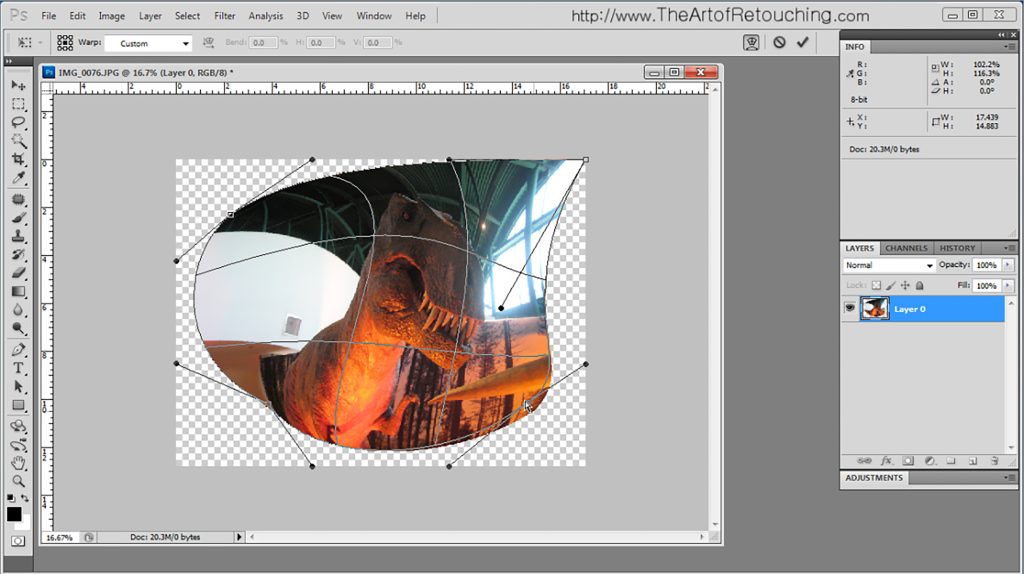
This Adobe Photoshop CS5 tutorial goes over basic and intermediate uses for the Transform Tools. This is quick and covers the general usage of Free Transform, Scale, Distort, Warp, Rotate, Skew and Perspective. Additional Transform tools are Flip Horizontal and Flip Vertical.
Your browser does not support the audio element.
PodCast: Download
Running Time: 28 minutes
"I have to tell you that I found it totally inspiring and great! There are so many things in it that I share thoughts and agree with, it was just great listening to you telling the exact same things that are my concerns! So thanks, keep it up! - Erika"
I am so glad that I am stating to find a rhythm for the show, and that it is worth everyone's time. I hope you enjoy the show. It's a long one.
This video is available Free for Everyone.
Running Time: 12 minutes
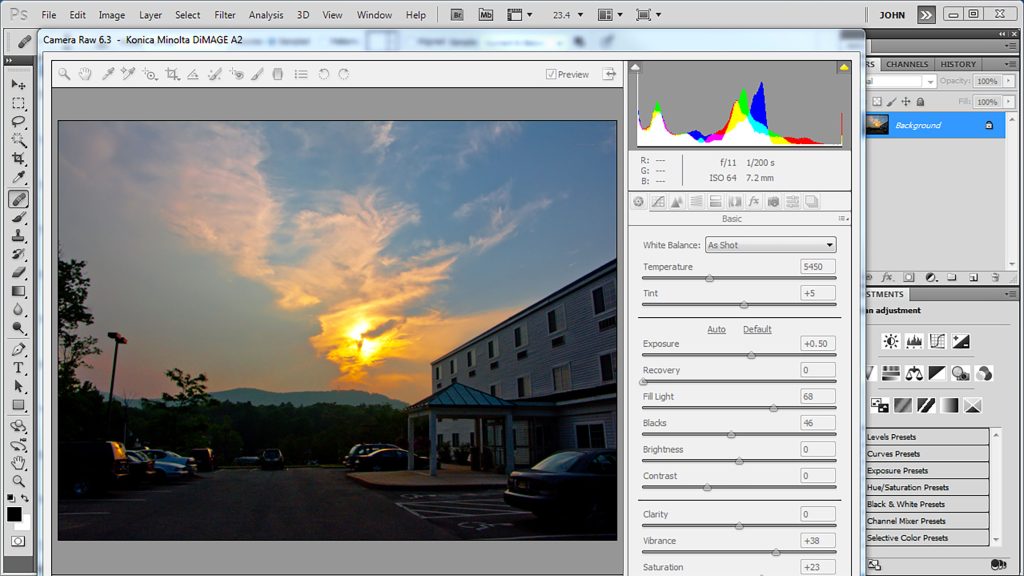
This Adobe Photoshop tutorial covers the difference between using a RAW file format, and a JPG, or JPEG, file format. If you know the difference, you can easily skip this video. There are no secret surprises or revelations here. However, if you do not know the strengths and weaknesses of each, then by all means, watch and learn.
This Photoshop Tutorial is an overview of the RAW file format. No real detail is covered. Rather, this is a dip your feet in, and see why it is the choice of professional retouchers and photographers.