The Art of Retouching

Adobe Photoshop Retouching Tutorials

Photoshop Class Schedule
  • About
  • Articles
  • Photoshop Tutorials
    • Behind The Retouching
    • Digital Fundamentals
    • Retouching Basics
    • Retouching Intermediate
    • Retouching Advanced
  • Reviews
  • PodCast
  • Portfolio
  • Profile

Photo Manipulation in Adobe Photoshop for Beginners

August 26, 2011 by John Ross

Photo Manipulation in Adobe Photoshop for Beginners

As a beginner with Photoshop, it can be easy to become lost, or otherwise confused on what steps would be best to try next. Should you start with contrast, color, or noise removal? No matter what kind of photo manipulation you’re doing, your basic steps should always be the same:

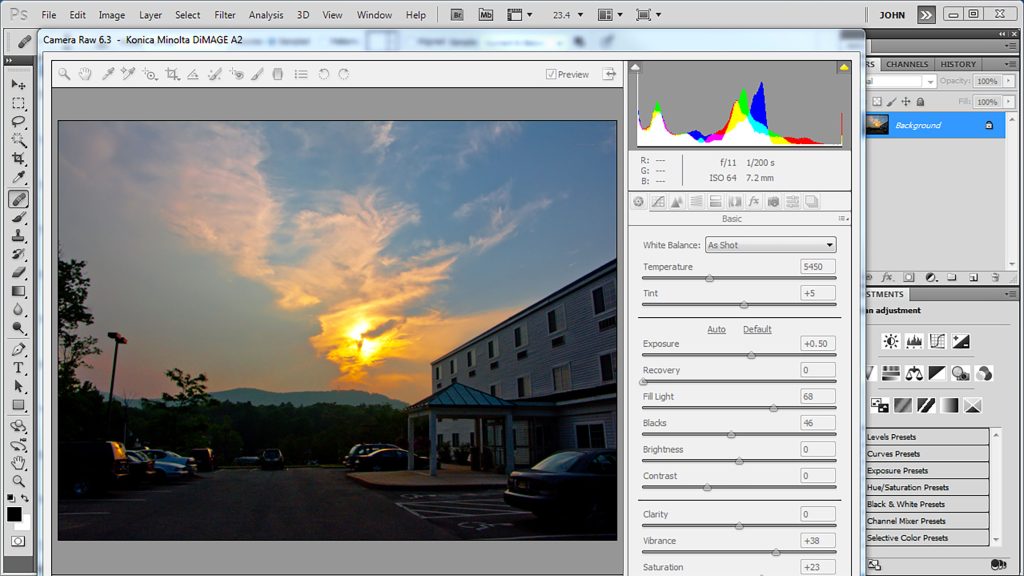
1. You should start by going to Image - Mode - 16 Bits/Channel. This is debateable, as 8-Bit often works just fine. See my video on this topic, Tonal Range & Bit Depth.
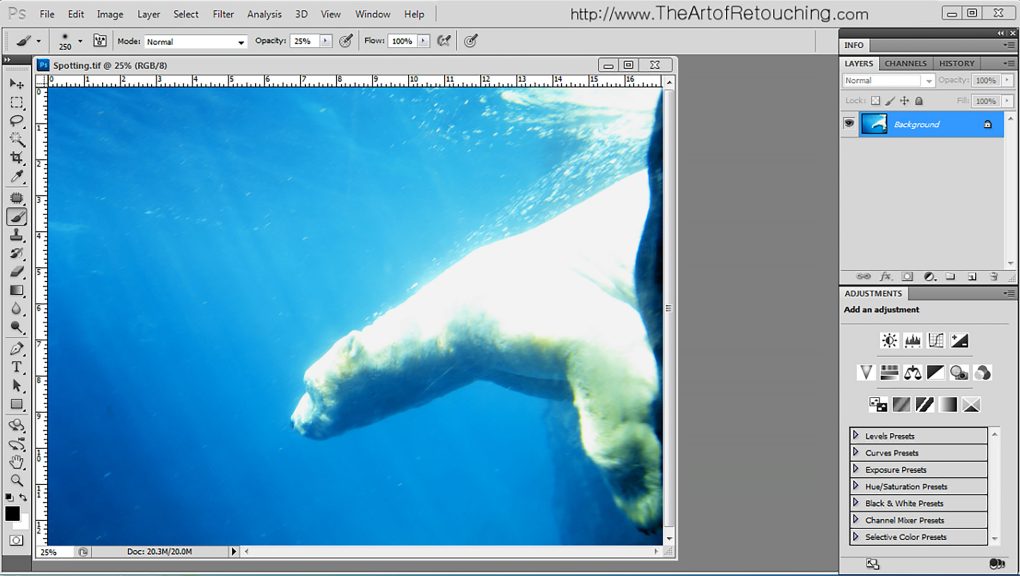
2. Create a new empty layer, and begin Spotting it.
3. To adjust the contrast, use the Levels Palette to give the image dynamic range.
4. With either Variations,  Selective Color Palette or Curves Palette, to make color corrections.
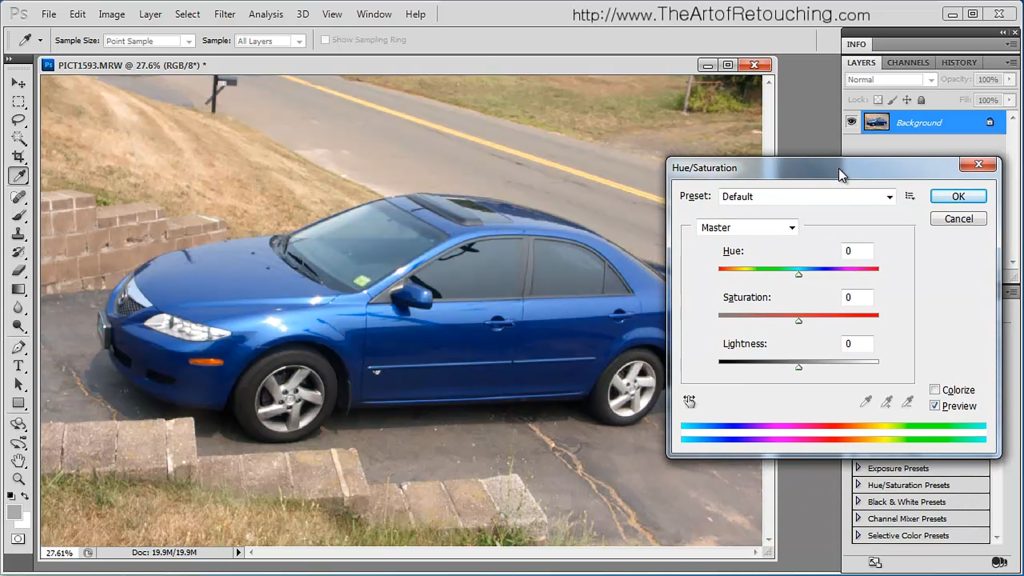
5. By using the Hue and Saturation Palette, you can give the  
Read More
Filed Under: Articles Tagged With: phooshop for beginners, photo manipulation

Photoshop Tutorial – CS5 Transform Tools

August 16, 2011 by John Ross

Photoshop Tutorial - CS5 Transform Tools

Photoshop Tutorial - CS5 Transform Tools

This video is available Free for Everyone.
Running Time: 5 minutes

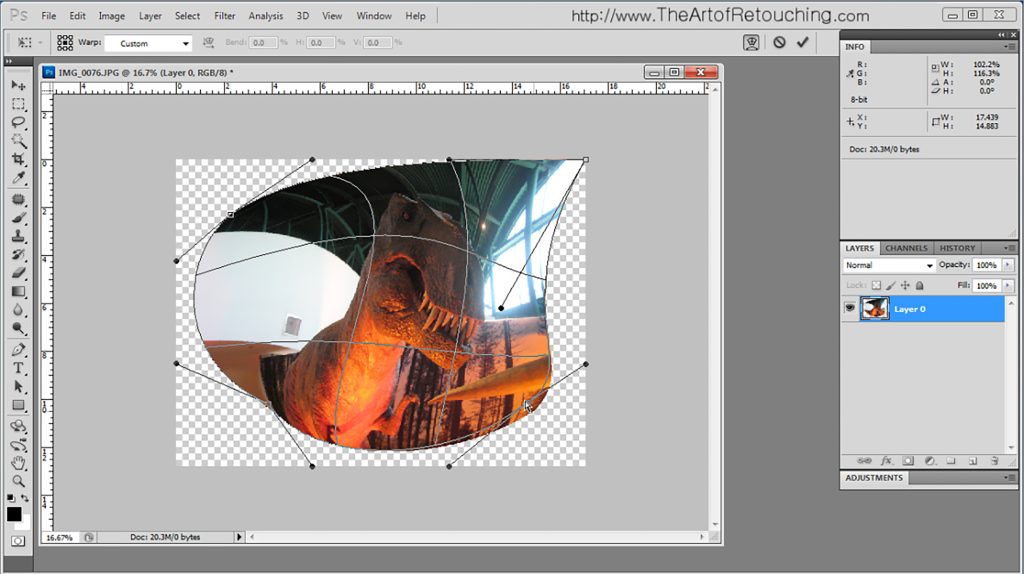
This Adobe Photoshop CS5 tutorial goes over basic and intermediate uses for the Transform Tools. This is quick and covers the general usage of Free Transform, Scale, Distort, Warp, Rotate, Skew and Perspective. Additional Transform tools are Flip Horizontal and Flip Vertical.

 
Read More

Filed Under: Retouching Basics Tagged With: adobe photoshop, distort image, how to distort images, how to distort photoshop, how to image perspective, how to resize images, how to resize photoshop, how to rotate photoshop, how to warp photoshop, perspective photoshop, photohop rotate, photoshop distort, photoshop distort image, photoshop image resize, photoshop resize image, photoshop scale, photoshop tutorial, photoshop warp, resize, resize image, rotate, rotate image, scale image

The Art of Retouching Podcast 003 – Excessive Retouching

August 3, 2011 by John Ross

Your browser does not support the audio element. PodCast: Download
Running Time: 28 minutes

 "I have to tell you that I found it totally inspiring and great! There are so many things in it that I share thoughts and agree with, it was just great listening to you telling the exact same things that are my concerns! So thanks, keep it up! - Erika"

I am so glad that I am stating to find a rhythm for the show, and that it is worth everyone's time. I hope you enjoy the show. It's a long one.

 
Read More

Filed Under: PodCast Tagged With: adobe photoshop, adobe photoshop cs5.5, bad retouching, employee to freelancer, excessive retouching, freelancer, freelancing, image retouch, julia roberts retouching, photo editing, pictocolor coupon, pictocolor coupon code, Pictocolor Editlab, pictocolor editlab coupon, pictocolor editlab discount, professional retouching, Retouch, retoucher, retouching, uk ban on retouching

RAW vs. JPEG | Digital Fundamental Basic Tutorial

July 28, 2011 by John Ross

Photoshop Tutorial - Difference Between RAW and JPG Images

Photoshop Tutorial - Difference Between RAW and JPG Images

This video is available Free for Everyone.
Running Time: 12 minutes

This Adobe Photoshop tutorial covers the difference between using a RAW file format, and a JPG, or JPEG, file format. If you know the difference, you can easily skip this video. There are no secret surprises or revelations here. However, if you do not know the strengths and weaknesses of each, then by all means, watch and learn.

This Photoshop Tutorial is an overview of the RAW file format. No real detail is covered. Rather, this is a dip your feet in, and see why it is the choice of professional retouchers and photographers.

 
Read More

Filed Under: Digital Fundamentals Tagged With: adobe photoshop, color correction, compare raw and jpg, cs5, difference between raw and jpeg, difference between raw and jpg, photoshop cs5 tutorial, photoshop cs5.5 tutorial, photoshop tutorial, raw vs jpeg, raw vs jpg, Retouch, retoucher, retouching, retouching tutorial

The Art of Retouching Podcast 002 – Employee to Freelancer

July 13, 2011 by John Ross

Your browser does not support the audio element. PodCast: Download
Running Time: 15 minutes

I fixed the link problem, for anyone who noticed.

Welcome everyone, to the second episode of The Art of Retouching's audio podcast. I have been taking notes for 2 weeks, and I am so ready to get going on today's show.

 
Read More

Filed Under: PodCast Tagged With: adobe photoshop, adobe photoshop cs5.5, employee to freelancer, freelancer, freelancing, image retouch, mac vs pc, mactintosh vs pc, pc vs macintoch, photo editing, professional retouching, Retouch, retoucher, retouching

Photoshop Tutorial – Advanced Cropping an Image

July 10, 2011 by John Ross

Photoshop Tutorial - Advanced Cropping an Image

Photoshop Tutorial - Advanced Cropping an Image

This video is available with a Free Membership Account.
Running Time: 8 minutes

This Adobe Photoshop tutorial goes over advanced Cropping an image. Please do NOT dismiss this video because the topic is basic information for beginners. This video is NOT for beginners. Back in Adobe Photoshop CS4, they added many new features to the Crop Tool. Like most people, I just ignored all the changes. The most important change was the difference between Delete and Hide options. If you have never used the Hide option, then you need to watch this video, as it will change the way you crop images. I also cover several other tricks that you likely did not know about.

Please Note: In CS6, they split the Crop tool, into two separate tools. The basic function remains the same, but since no one knew the one Crop tool did all  
Read More

Filed Under: Retouching Basics, Retouching Intermediate Tagged With: adobe photoshop, crop image, cs5, how to crop image, how to crop image photoshop, photoshop crop, photoshop cs5 tutorial, photoshop cs5.5 tutorial, photoshop tutorial, resize, resize image

Photoshop Tutorial – Spotting Images

July 8, 2011 by John Ross

Adobe Photoshop Tutorial - Spotting Images

Adobe Photoshop Tutorial - Spotting Images

This video is available Free for Everyone.
Running Time: 5 minutes

This Adobe Photoshop tutorial describes what spotting images means, and how to do it. In short, spotting simply means that you are going to remove any extra dust spots, or other very quick dirt removal. While it usually means dust from the camera lens, it could also mean quickly removing any other sort of blemishes from the picture, like lint on clothing or freckles. Again, the real key is that it is quick, and usually takes less than 10 minutes, and less than 5 minutes is even better.

Ideally, this would be the very first thing done to an image, before any other sort of retouching is done. All you need to do is create a new layer, select one of the cloning tools, and begin removing anything that doesn't belong. Spotting Images should be done for every picture you start working on.

 
Read More

Filed Under: Retouching Basics Tagged With: adobe photoshop, color correction, cs5, how to spot an image, photoshop cs5 tutorial, photoshop cs5.5 tutorial, photoshop tutorial, Retouch, retoucher, retouching, retouching tutorial, spotting, spotting images, spotting pictures, what is spotting

The Art of Retouching Podcast 001 – Adobe Photoshop to Go

July 4, 2011 by John Ross

Your browser does not support the audio element. PodCast: Download
Running Time: 15 minutes

An audio podcast about Adobe Photoshop? Seriously? Yup! Would someone really want to listen to my podcast? Why not? I always have a ton of things to say, this seems to be a better place for most of my random thoughts than the beginning of the tutorials. This way, if your interested on more behind the scenes stuff, then this would be the place to find it.

 
Read More

Filed Under: PodCast Tagged With: adobe photoshop, Adobe Photoshop CS5.5 Released, Corporate Take Over of the Internet, image retouch, Live One-on-One WebCast, photo editing, professional retouching, Retouch, retoucher, retouching, RSS Feeds, TimeLapse Retouching Video

Quality Adobe Photoshop CC Tutorials

June 17, 2011 by John Ross

Quality Adobe Photoshop CC Tutorials

– by R. Rodriguez and John Ross

If you’re a web-site designer, photographer, retoucher, or technical engineer, you are very aware that Adobe Creative Suite CC is out, and you’re itching to see what it can do. You are already excited about all the new features you have heard it has, and want to try them out on your work. The problem is that you have a serious case of information overload.

Photoshop users, like those of you interested in professional retouching and photo enhancement, have found that there are so many video Photoshop CC tutorials out on the web that you don’t know where to begin, or which is best.

I can help you there, but first let me walk you through what Photoshop CC can do, before we talk about choosing Photoshop CC tutorials to watch. Whether you are an experienced video clip editor or a beginning photographer, this product has lots to offer.  
Read More

Filed Under: Articles Tagged With: adobe photoshop, Adobe Photoshop CS5 Tutorial, Adobe Photoshop CS5 Tutorials, Adobe Photoshop CS5.5 Tutorials, creative suite 5.5, cs5, cs5.5, cs5.5 versions, Photoshop, photoshop cs5 tutorial, Photoshop CS5 Tutorials, photoshop cs5.5 tutorial, Photoshop CS5.5 Tutorials

Photoshop Tutorial – Hue and Saturation Adjustment Palette

June 17, 2011 by John Ross

Photoshop Tutorial - Hue and Saturation Adjustment Palette

Photoshop Tutorial - Hue and Saturation Adjustment Palette

This video is available with a Free Membership Account.
Running Time: 8 minutes

This Adobe Photoshop tutorial is about the Hue and Saturation Adjustment Palette. In a previous video about the Vibrance Palette, we showed the limitations of the tool. This video expands on what the Hue and Saturation Tool Palette is really capable of.

 
Read More

Filed Under: Retouching Basics Tagged With: adobe photoshop, color correction, cs5, hue, hue and saturation, photoshop cs5 preference settings, photoshop cs5 preferences, photoshop cs5 tutorial, photoshop cs5.5 tutorial, photoshop tutorial, saturation, saturation palette

« Previous Page
Next Page »

Member Login

Email:
Password:
Remember   

Forgot Password

Basic Membership

FREE MEMBERSHIP Free Photoshop Basic Class Portraits, Camera Raw and Smart Objects Free Photoshop Class Portraits, Camera Raw and Smart Objects Free Photoshop Class BASIC MEMBERSHIP Photoshop Tools and Palettes Tutorial How to Clone in Photoshop Tutorial Masking Simplified Complete Smart Objects Photoshop Class PREMIUM MEMBERSHIP Learn Photoshop Basic One Course Video Learn Photoshop Basic Two Course Video Learn Photoshop Intermediate Course Video

Popular Videos

Bit Depth - 8 vs 16 Bit

Masking in Photoshop

All Photoshop Tutorials

Color Spaces and Models

Find Retouching Work

Photoshop Classes

Portraits, Raw, and Smart Objects

Retouching Super Basics

Photoshop Basic One Course

Professional Masking

Social Links

  • About
  • Premium Content
  • Photoshop Courses
  • Contact Form
  • Membership Profile
  • FAQ – Q&A
  • Privacy Policy
  • No-Hassle Refund
  • SiteMap
© 2024 The Art of Retouching Studio - Photoshop Retouching Tutorials