The Art of Retouching

Adobe Photoshop Retouching Tutorials

Photoshop Class Schedule
  • About
  • Articles
  • Photoshop Tutorials
    • Behind The Retouching
    • Digital Fundamentals
    • Retouching Basics
    • Retouching Intermediate
    • Retouching Advanced
  • Reviews
  • PodCast
  • Portfolio
  • Profile

Behind The Retouching | Camera Raw Techniques for Refined Portraits

January 15, 2015 by John Ross

Behind The Retouching | Camera Raw Techniques for Refined Portraits

Behind The Retouching | Camera Raw Techniques for Refined Portraits

This video is available Free with Membership.
Running Time: 28 minutes

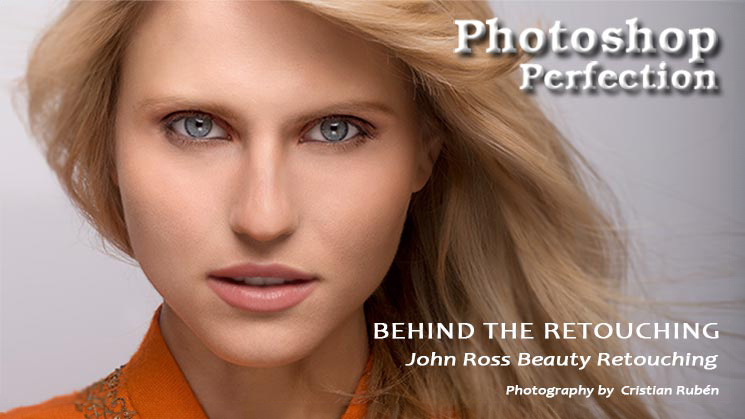
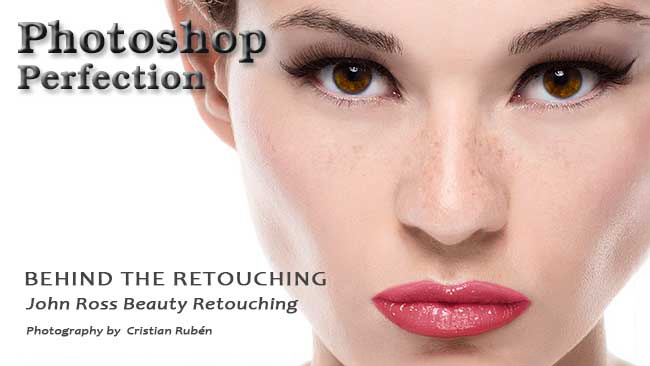
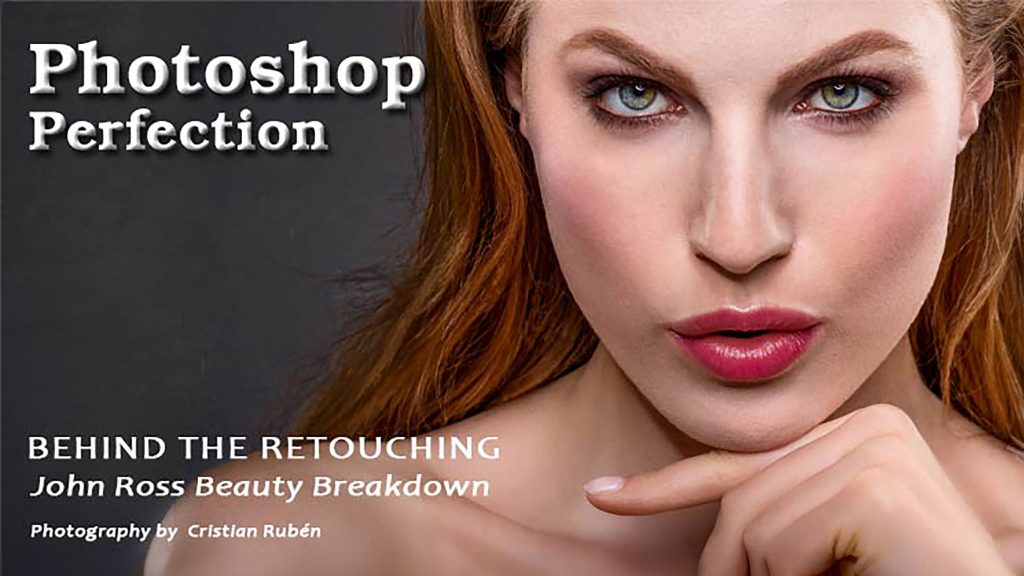
I’m here to walk you through what goes on in an actual beauty retouching session. For those who want to see my thought process as I go through my images, you’ve come to the right place. This short but highly informative session will give you valuable insights and professional tips and tricks that you won’t learn by simply watch a how-to video. This is less about the how, and much more about the why.

In this image for Advanced Photoshop Magazine #132, I will be taking you through an in-depth look at how I work and why I do what I do. Because summarizing my techniques into a few pointers for an article just won’t do, I’m going to break down every detail of my workflow so that you can see how I came up with my  
Read More

Filed Under: Behind The Retouching, Retouching Intermediate

Professional Masking | How to use Quickmask

December 24, 2014 by John Ross

Professional Masking | How to use Quickmask

Professional Masking | How to use Quickmask

This video is available Free for Everyone.
Running Time: 8 minutes

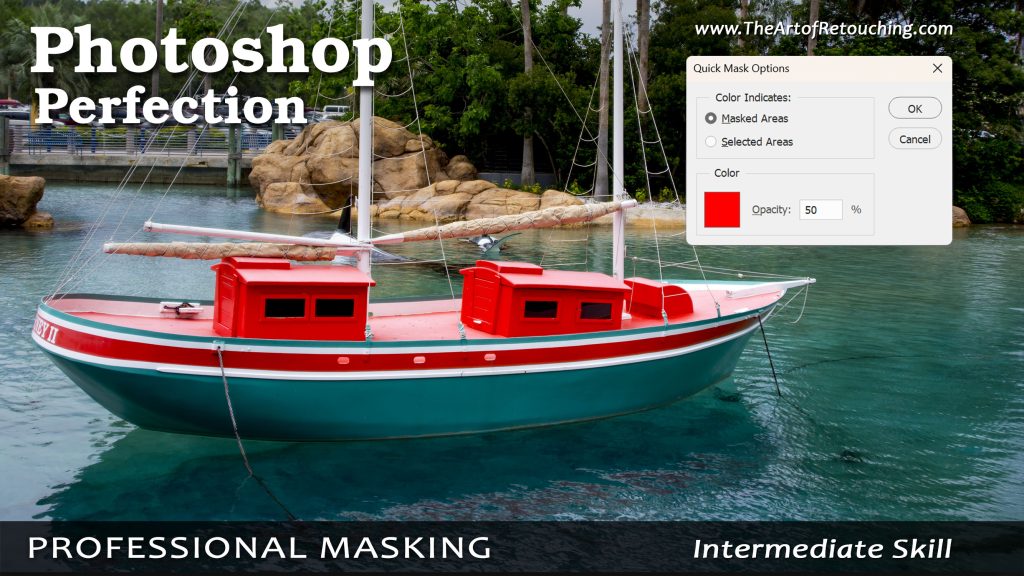
For Advanced Photoshop Magazine #130, I was asked to show how I create my selections. In this extended video, I'm going to show you the ins and outs of Professional Masking.

Properly masking an image with Adobe Photoshop is often done using one of the simple selection tools like Magic Wand or Lasso. This is simply the wrong approach. You should actually be using Color Range and QuickMask. If you're itching to know how I work around these tools, you've come to the right place. I'm going to let you in on the tips and tricks that I use behind the scenes in order to come up with a clean and accurate final image. Lets get started.

 
Read More

Filed Under: Retouching Intermediate

Behind The Retouching | Allison – Smart Objects

December 13, 2014 by John Ross

Behind The Retouching | John Ross - Allison

Behind The Retouching | Allison - Smart Objects

This video is available Free with Membership.
Running Time: 38 minutes

Welcome to Behind the Retouching, an exclusive behind-the-scenes look at what goes happens with photo retouching. This session is all about an image I retouched for an article that I wrote, about Smart Objects and Smart Filters. High Pass Sharpening, Dodge and Burn, and Adjustment Layers are only some of the topics we’ll go through during this in-depth process. Below, you can find several recommended adjustments in order to create a better image.

 
Read More

Filed Under: Behind The Retouching, Retouching Intermediate

Behind The Retouching | Noureddine M

December 5, 2014 by John Ross

Behind The Retouching | Noureddine M

Behind The Retouching | Noureddine M

This video is available Free with Membership.
Running Time: 55 minutes

For this session, I will critique the work of photographer and retoucher Noureddine M. This is a wonderful opportunity for everyone to better understand the rationale behind what I do and which tools I use. Here are the recommended adjustments in order to create a better image:

 
Read More

Filed Under: Behind The Retouching, Retouching Intermediate

Smart Objects and Smart Filters | Photoshop Basic 2 Tutorial

November 12, 2014 by John Ross

Smart Objects and Smart Filters | Photoshop Basic 2 Tutorial

Smart Objects and Smart Filters | Photoshop Basic 2 Tutorial

This video is available Free for Everyone.
Running Time: 9 minutes

Whether you’re retouching portraits or composites, the Smart Object is, and always will be, the right way to go. In this short session, I will tell you all about the magic of Smart Objects and Smart Filters. For any retoucher, it’s important to develop a non-destructive workflow. Smart Objects and Smart Filters will give you the ability to go back and forth between your actions without permanently damaging your photo.

 
Read More

Filed Under: Retouching Intermediate

Behind The Retouching | John Ross Architecture

November 5, 2014 by John Ross

Behind The Retouching | John Ross Architecture

Behind The Retouching | John Ross Architecture

This video is available Free with Membership.
Running Time: 33 minutes

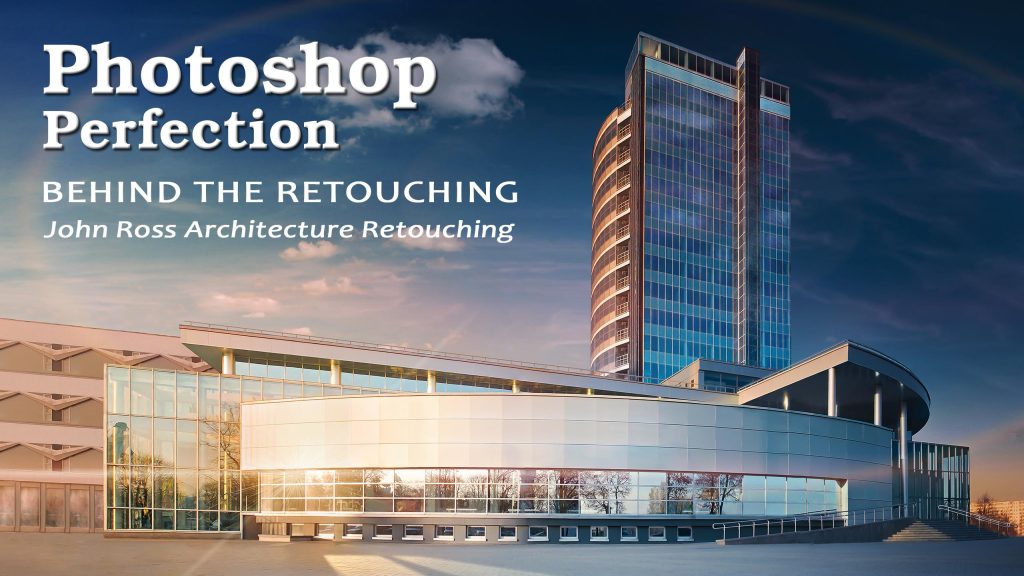
Welcome, readers! In this Behind the Retouching, I was commissioned for Advanced Photoshop Magazine for issue #128 to create this Architectural image. If you’ve always wondered what goes on behind the scenes during an actual photo retouching session, you’ve come to the right place.

As with my previous feature in Advanced Photoshop Magazine #126, I worked to satisfy the requirements of the client with this image. I chose this photo for the two-page spread knowing that I would need a lot of dead space for the graphic designers to work with, and there was an opportunity to play around with lens flare and various other visual techniques. To show you exactly how I arrived at the final image, let’s get down to business.


 
Read More

Filed Under: Behind The Retouching, Retouching Intermediate

Behind The Retouching | Felipe Buccianti

October 2, 2014 by John Ross

Behind The Retouching | Felipe Buccianti

Behind The Retouching | Felipe Buccianti

This video is available Free with Membership.
Running Time: 47 minutes

Welcome to Behind the Retouching, an exclusive behind-the-scenes look at what goes on in an actual photo retouching session. In this professional avenue, I will be breaking down my students’ submissions, suggesting areas for improvement, and recommending adjustments that I would have done differently in order to create a better image.

For this session, I will be critiquing the work of photographer and retoucher Felipe Buccianti. This is a wonderful opportunity for everyone to better understand the rationale behind what I do and which tools I use, so if you’re looking to evaluate your own work, you can check out my pointers below and see how they apply to your own images.

 
Read More

Filed Under: Behind The Retouching, Retouching Intermediate

Rulers and Guides | Photoshop Beginner’s Tutorial

September 16, 2014 by John Ross

Photoshop Tutorial - Rulers and Guides

Rulers and Guides | Photoshop Beginner’s Tutorial

This video is available Free for Everyone.
Running Time: 2 minutes

When working in Photoshop, while most of it is creative, sometimes you will want to be as accurate as you possibly can. Rulers and guides come in handy because they help you create specific points in your image that you may want to refer to at a later point in time.

 
Read More

Filed Under: Retouching Basics

Magic Wand and Quick Selection | Photoshop Beginner’s Tutorial

September 9, 2014 by John Ross

Magic Wand and Quick Selection Tools

Magic Wand and Quick Selection Tools

This video is available Free for Everyone.
Running Time: 6 minutes

Aside from the Lasso-based tools, we can also use the Magic Wand when it comes to making selections in Photoshop. You can press and hold the Quick Selection Tool to choose the Magic Wand Tool. When you click on a section in your image, it selects an area based on the range of colors that your provide, limited by the value of your Tolerance in the Options bar. Photoshop’s default Tolerance is 32, but you can increase or decrease that value to grab more areas at once or less areas at once respectively.

 
Read More

Filed Under: Retouching Basics

Behind The Retouching | John Ross – Celestial

September 4, 2014 by John Ross

Behind The Retouching | John Ross - Celestial

Behind The Retouching | John Ross - Celestial

This video is available with Free Membership.
Running Time: 23 minutes

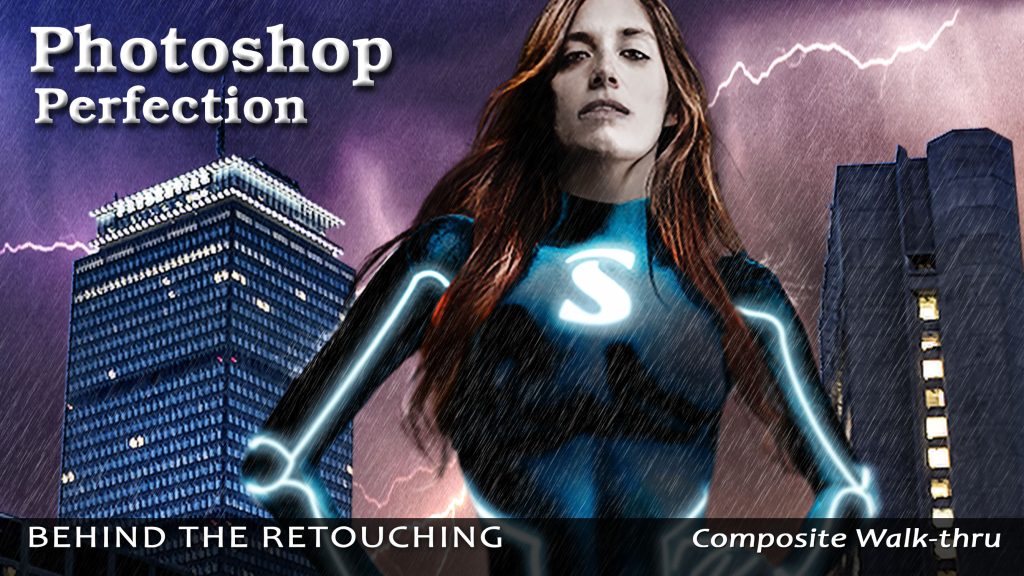
Welcome and thank you for visiting. In this Behind the Retouching session, I sit down and take you through what goes on when I work on composite retouching. As commissioned by Advanced Photoshop Magazine for issue #126, I will show you some basic retouching combined with advanced compositing techniques in order to give everyone a wonderful opportunity to better understand the rationale behind what I do and which tools I use.

 
Read More

Filed Under: Behind The Retouching, Retouching Advanced

« Previous Page
Next Page »

Member Login

Email:
Password:
Remember   

Forgot Password

Basic Membership

FREE MEMBERSHIP Free Photoshop Basic Class Portraits, Camera Raw and Smart Objects Free Photoshop Class Portraits, Camera Raw and Smart Objects Free Photoshop Class BASIC MEMBERSHIP Photoshop Tools and Palettes Tutorial How to Clone in Photoshop Tutorial Masking Simplified Complete Smart Objects Photoshop Class PREMIUM MEMBERSHIP Learn Photoshop Basic One Course Video Learn Photoshop Basic Two Course Video Learn Photoshop Intermediate Course Video

Popular Videos

Bit Depth - 8 vs 16 Bit

Masking in Photoshop

All Photoshop Tutorials

Color Spaces and Models

Find Retouching Work

Photoshop Classes

Portraits, Raw, and Smart Objects

Retouching Super Basics

Photoshop Basic One Course

Professional Masking

Social Links

  • About
  • Premium Content
  • Photoshop Courses
  • Contact Form
  • Membership Profile
  • FAQ – Q&A
  • Privacy Policy
  • No-Hassle Refund
  • SiteMap
© 2024 The Art of Retouching Studio - Photoshop Retouching Tutorials
Navigation
  • About
  • Articles
  • Photoshop Tutorials
    • Behind The Retouching
    • Digital Fundamentals
    • Retouching Basics
    • Retouching Intermediate
    • Retouching Advanced
  • Reviews
  • PodCast
  • Portfolio
  • Profile