The Art of Retouching

Adobe Photoshop Retouching Tutorials

Photoshop Class Schedule
  • About
  • Articles
  • Photoshop Tutorials
    • Behind The Retouching
    • Digital Fundamentals
    • Retouching Basics
    • Retouching Intermediate
    • Retouching Advanced
  • Reviews
  • PodCast
  • Portfolio
  • Profile

Camera Raw Tutorial – Introduction

February 10, 2014 by John Ross

Camera Raw Tutorial - Introduction

Camera Raw Tutorial - Introduction

This video is available Free for Everyone.
Running Time: 15 minutes

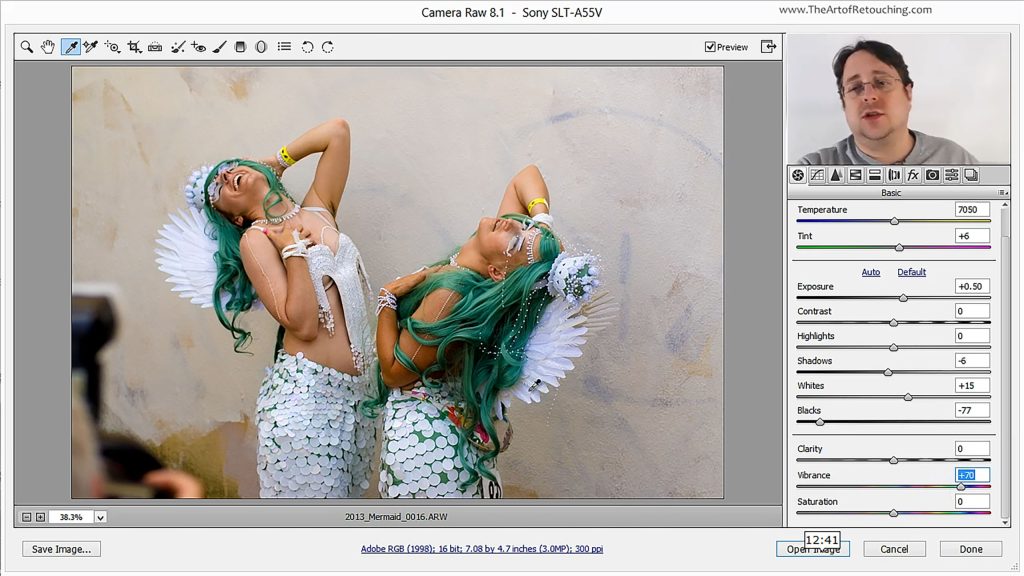
The wonderfully convenient thing about Camera Raw, is that it’s incredibly easy to learn your way around it. Its simple interface and easy to use tools will only take minutes to get the hang of; as opposed to taking many hours trying become barely competent in Photoshop. You’ll see just how effortless it is to retouch your raw photos. So open up one of your raw images in Photoshop’s Camera Raw and let’s get started.

 
Read More
Filed Under: Retouching Basics

Photoshop Tutorial – Lightroom, Camera Raw and Photoshop

February 3, 2014 by John Ross

Photoshop Tutorial - Lightroom, Camera Raw and Photoshop

Photoshop Tutorial - Lightroom, Camera Raw and Photoshop

This video is available Free for Everyone.
Running Time: 7 minutes

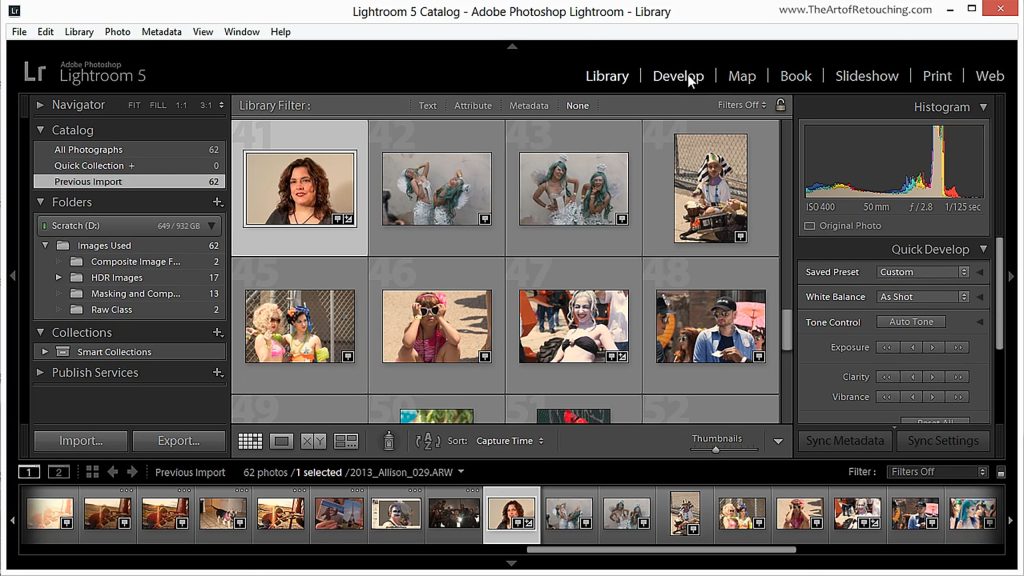
Many people wonder what the differences are, between Camera Raw, Photoshop, and Lightroom. To be clear, each one serves a very different function in your Post-Production Workflow.

Lightroom is a database that displays your images as thumbnails so that you can organize them into collections, tag them with metadata, and easily export batches out for web, slideshows or print. Lightroom and Camera Raw are both raw processors. Camera Raw is built into Photoshop and allows for quick raw processing. Lastly, Photoshop is a powerful image editing software used to handle the small details.

 
Read More

Filed Under: Retouching Basics

Photoshop Tutorial – RAW Processors

January 20, 2014 by John Ross

Photoshop Tutorial - RAW Processors

Photoshop Tutorial - RAW Processors

This video is available Free for Everyone.
Running Time: 5 minutes

We’ve spent quite a bit of time playing around with the RAW format, so it’s only practical for us to go over a quick overview of the various RAW processors in the market today.

There’s a variety of choices out there, so don’t feel like your options are limited. While these are something we are not necessarily recommending over Photoshop’s built-in Camera Raw, it’s still good to lay it all out for you to have a choice.

 
Read More

Filed Under: Retouching Basics

FREE CLASS – Portraits, Camera Raw & Smart Objects

December 16, 2013 by John Ross


Read More

Filed Under: Retouching Basics Tagged With: adobe camera raw, adobe photoshop, camera raw, image editing, photo manipulation, Photoshop Smart Objects, portrait retouching, portraits, raw processing, raw processor, retouching images, smart filters, Smart Objects

Photoshop Tutorial – Adjustment Layers

August 25, 2013 by John Ross

Photoshop Tutorial - Adjustment Layers

Photoshop Tutorial - Adjustment Layers

This video is available Free for Everyone.
Running Time: 6 minutes

In this digital world we live in, you see the ubiquitous JPEG everywhere—practically all images you can find online are in this format. Short for Joint Photographic Experts Group, JPEG pictures are compressed images that have the .jpg file extension. Basically, JPEGs or JPGs compress images in order to make their file sizes smaller.

The most annoying thing about sending files and pictures online or via email, is to find that your file attachments are too big; and we wouldn’t want that now, would we? Waiting all that time trying to send over files only to have them rejected due to file size…JPGs solve that issue by reducing image file sizes so that they don’t take up too much space, be it in your hard drive or USB or in your camera.

 
Read More

Filed Under: Retouching Basics Tagged With: adjustment layers, color adjustment, color correction, color correction tools, photoshop adjustment layers, photoshop tutorial, tonal adjustment

Basic 1: Basic One Video Course

July 26, 2013 by John Ross

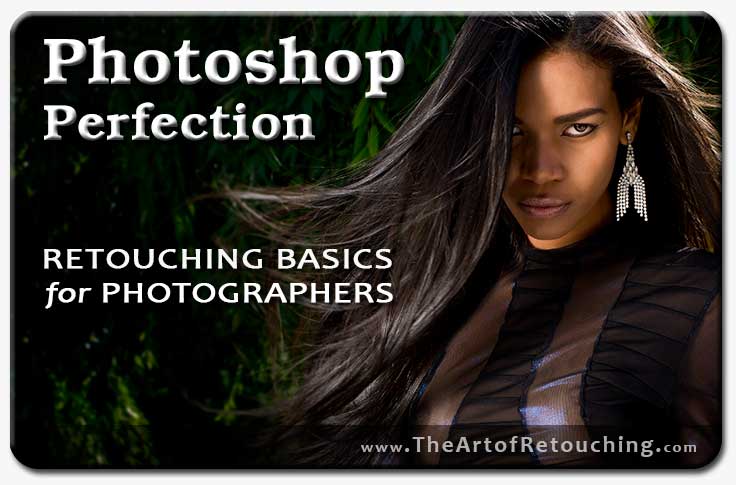
Photoshop Perfection: Basic Level One

Adobe Photoshop for Photographers: Complete Video Course


Why Should You Choose This Course?

Have you tried teaching yourself Photoshop image retouching skills, but always find yourself more confused than when you began? Are you convinced that you’ll never learn, that it’s just too difficult, and that you should just give up? If so, here’s how my course can help you succeed: Reason #1: Instruction. It’s no secret that Photoshop can be an intimidating program. There’s a lot to learn, and even more poor methods of learning it. But here’s the truth: The problem is your teacher, and currently, that's you. With my Photoshop retouching course though, you now have a personal instructor on your side to help guide you through your first few weeks, step by step. Reason #2:  
Read More

Filed Under: Basic 1, Retouching Basics Tagged With: adobe photoshop class, adobe photoshop classes, adobe photoshop classes online, adobe photoshop courses, adobe photoshop lessons, adobe photoshop training, adobe photoshop tutorials, adobe photoshop workshops, basic photoshop classes, basic photoshop courses, classes for photoshop, classes in photoshop, classes on photoshop, courses in photoshop, online photoshop classes, online photoshop training, photo shop classes, photo shop courses, photo shop lessons, photoshop basic class, photoshop basic course, photoshop basic training, photoshop class, photoshop class online, photoshop classes, photoshop classes ct, photoshop classes new haven connecticut, photoshop courses, photoshop courses ct, photoshop training, photoshop training courses, photoshop training online, photoshop workshops, retouching classes, retouching courses

PREMIUM CLASS: Cloning and Healing | Photoshop Basic Tutorial

November 29, 2012 by John Ross

Cloning & Healing in Photoshop Video Tutorial


Read More

Filed Under: Premium Class, Retouching Basics Tagged With: clone stamp, content aware, healing brush, high pass, how to clone in photoshop, learning how to clone in photoshop, low pass, patch tool, photoshop cloning, retouching, Spot Healing

Color Range | Photoshop Basic Tutorial

November 24, 2012 by John Ross

Photoshop Tutorial - Color Range

Photoshop Tutorial - Color Range

This video is available Free for Everyone.
Running Time: 8 minutes

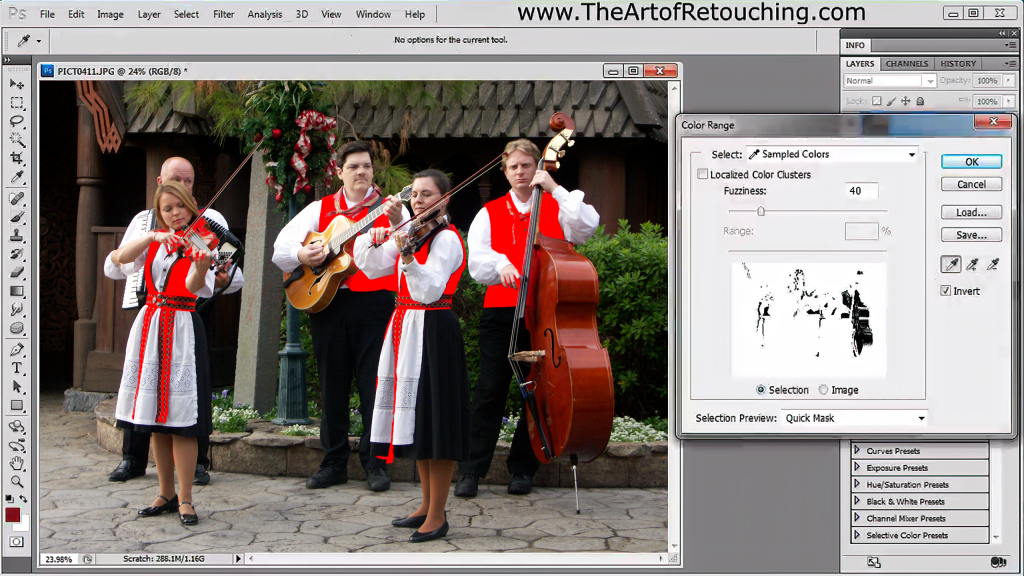
Color Range tool is a crucial aspect of Photoshop Masking, that many people have difficulties using. The tool plays a significant role in selecting groups of color areas, that need to be adjusted separately in a particular image. Color Range has the quickest, and simplest options available for selecting complex patterns as well. In addition, you are able to preview your selection, and pick the best results, before committing to the task.

 
Read More

Filed Under: Retouching Basics Tagged With: color range, color range in photoshop, how to create a mask in photoshop, how to use color range, making selections in photoshop, masking, masking in photoshop, photoshop color range

Photoshop Tutorial – Masking Simplified

November 16, 2012 by John Ross

Photoshop Tutorial - Masking Simplified

Photoshop Tutorial - Masking Simplified

This video is available Free for Everyone.
Running Time: 18 minutes

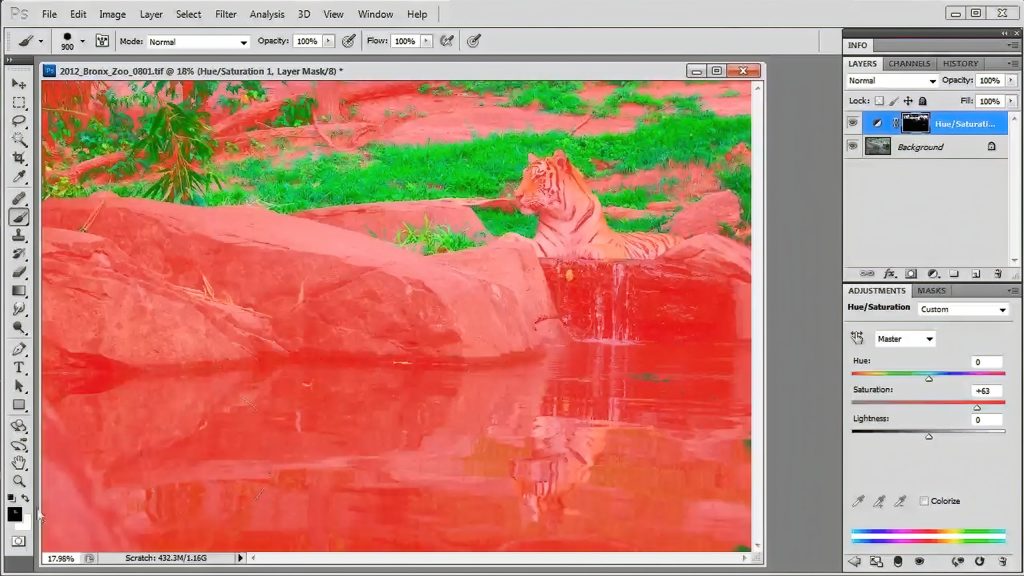
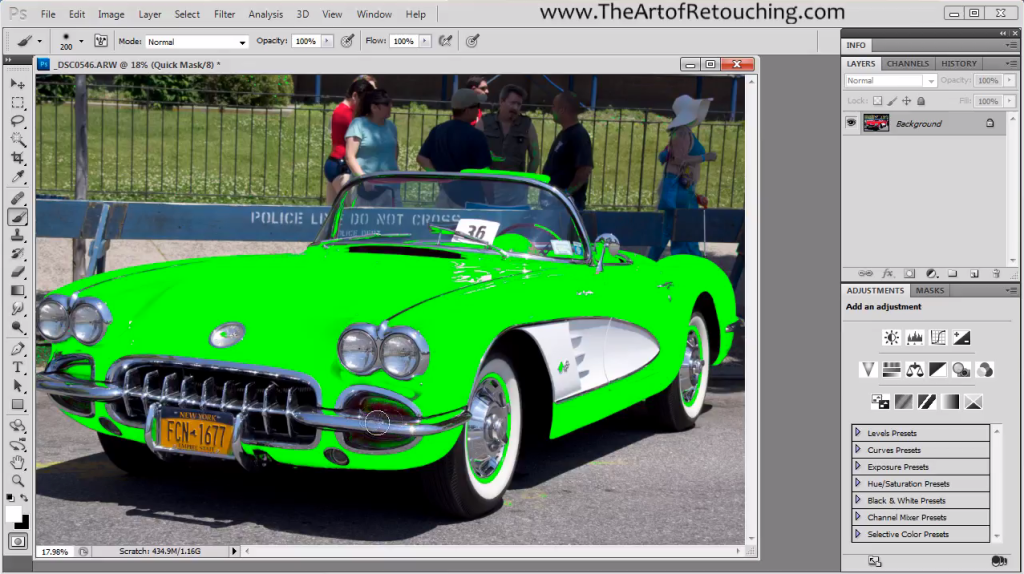
Properly masking out an image in Adobe Photoshop is often done using one of the simple selection tools like Magic Wand or Lasso. This is simply the wrong approach. You should be using Color Range and the QuickMask.

In this video for beginners, I will slowly explain how to use both these tools to make simple and complex selections. This video is also an introductory lead-in to my 2 hour Photoshop Masking Tutorial. That extended video covers many expanded topics that cover the range from Beginner, Intermediate, to Advanced.

 
Read More

Filed Under: Retouching Basics Tagged With: color range, how to mask in photoshop, how to use color range, how to use photoshop color range, how to use photoshop quickmask, how to use quickmask, how to use quickmask in photoshop, mask in photoshop, photoshop masking, quickmask

PREMIUM CLASS: Professional Masking

November 13, 2012 by John Ross


Read More

Filed Under: Premium Class, Retouching Basics, Retouching Intermediate Tagged With: how to mask in photoshop, mask edge, mask palette, mask pallet, photoshop masking, photoshop quickmask, quick mask, quickmask, quickmask in photoshop, quickmask tutorial, refine edge, refine mask

« Previous Page
Next Page »

Member Login

Email:
Password:
Remember   

Forgot Password

Basic Membership

FREE MEMBERSHIP Free Photoshop Basic Class Portraits, Camera Raw and Smart Objects Free Photoshop Class Portraits, Camera Raw and Smart Objects Free Photoshop Class BASIC MEMBERSHIP Photoshop Tools and Palettes Tutorial How to Clone in Photoshop Tutorial Masking Simplified Complete Smart Objects Photoshop Class PREMIUM MEMBERSHIP Learn Photoshop Basic One Course Video Learn Photoshop Basic Two Course Video Learn Photoshop Intermediate Course Video

Popular Videos

Bit Depth - 8 vs 16 Bit

Masking in Photoshop

All Photoshop Tutorials

Color Spaces and Models

Find Retouching Work

Photoshop Classes

Portraits, Raw, and Smart Objects

Retouching Super Basics

Photoshop Basic One Course

Professional Masking

Social Links

  • About
  • Premium Content
  • Photoshop Courses
  • Contact Form
  • Membership Profile
  • FAQ – Q&A
  • Privacy Policy
  • No-Hassle Refund
  • SiteMap
© 2024 The Art of Retouching Studio - Photoshop Retouching Tutorials