Tools and Palettes Expanded
Adobe Photoshop Intermediate Class
Read More
Adobe Photoshop Retouching Tutorials

This video is available Free for Everyone.
Running Time: 8 minutes
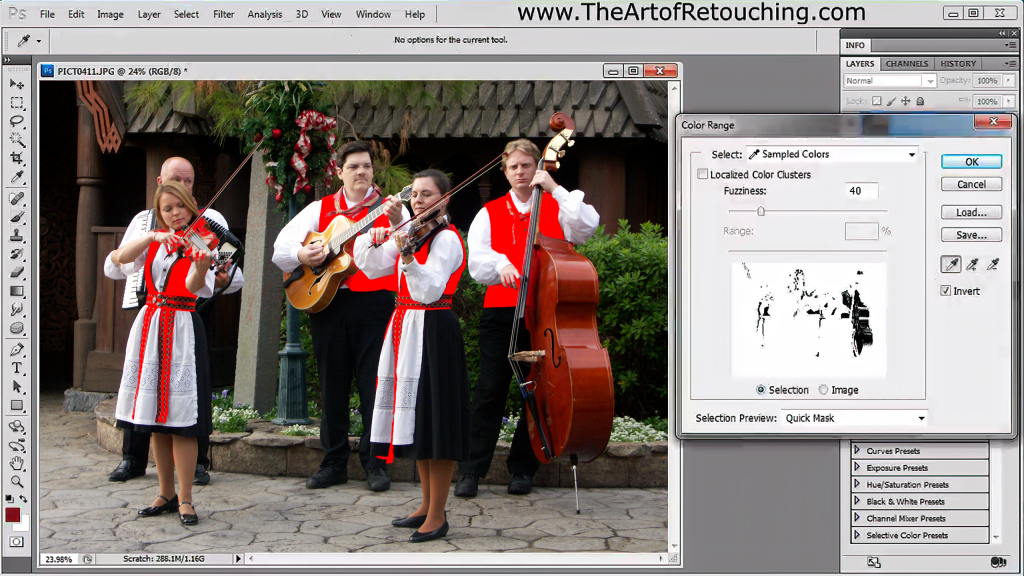
Color Range tool is a crucial aspect of Photoshop Masking, that many people have difficulties using. The tool plays a significant role in selecting groups of color areas, that need to be adjusted separately in a particular image. Color Range has the quickest, and simplest options available for selecting complex patterns as well. In addition, you are able to preview your selection, and pick the best results, before committing to the task.
This video is available Free for Everyone.
Running Time: 18 minutes
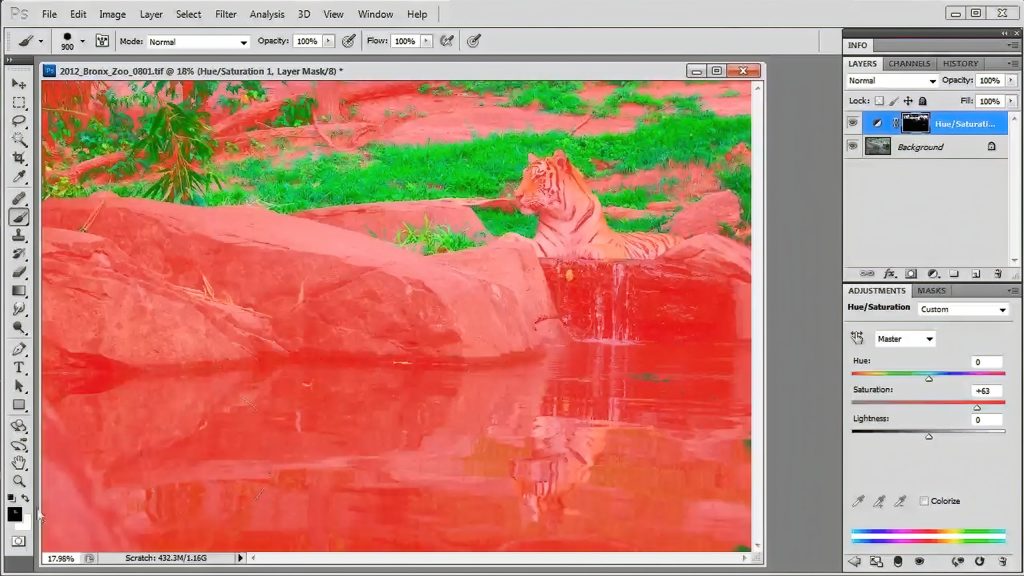
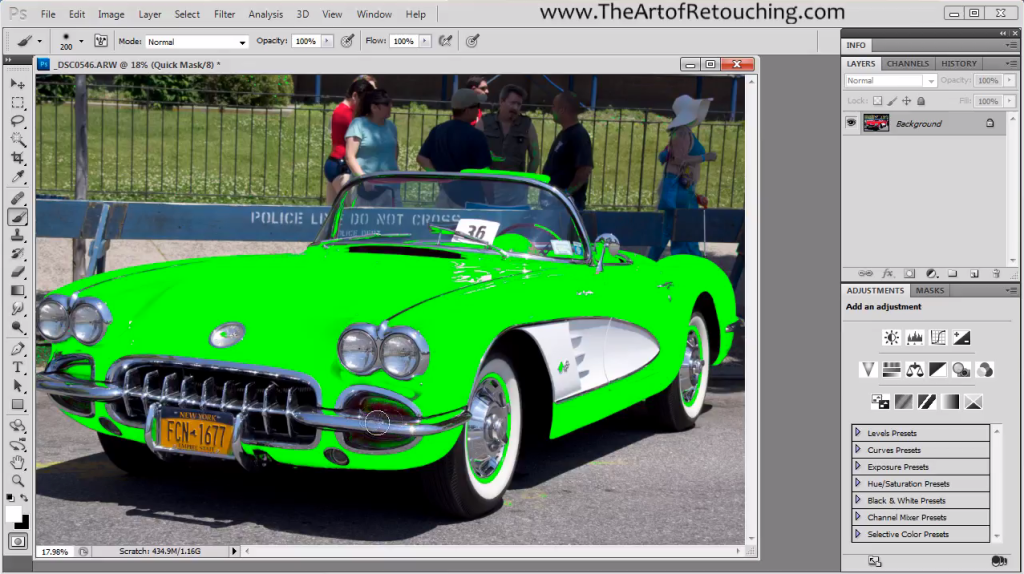
Properly masking out an image in Adobe Photoshop is often done using one of the simple selection tools like Magic Wand or Lasso. This is simply the wrong approach. You should be using Color Range and the QuickMask.
In this video for beginners, I will slowly explain how to use both these tools to make simple and complex selections. This video is also an introductory lead-in to my 2 hour Photoshop Masking Tutorial. That extended video covers many expanded topics that cover the range from Beginner, Intermediate, to Advanced.
This video is available Free for Everyone.
Running Time: 10 minutes
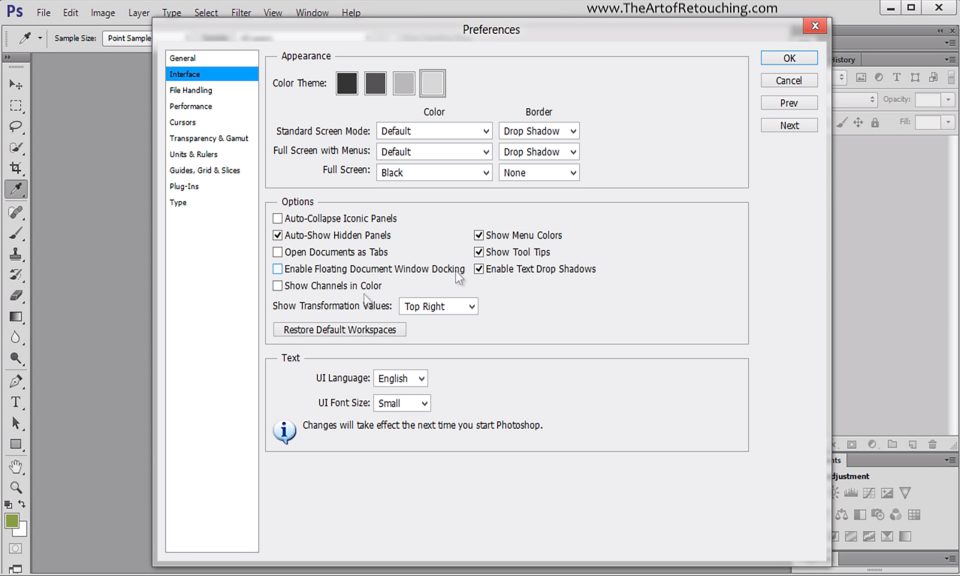
This Adobe Photoshop CS6 tutorial goes through the preferences panel, and points out the most important settings that need your attention. Largely, it is an informative video designed to help ensure you understand basic settings of Photoshop CS6.